Blog

September Wrap-Up

Hey, everyone! 👋🏽 The Beeper team is here to share what we’ve got going on. Let’s dive in!

Viber joins the conversation
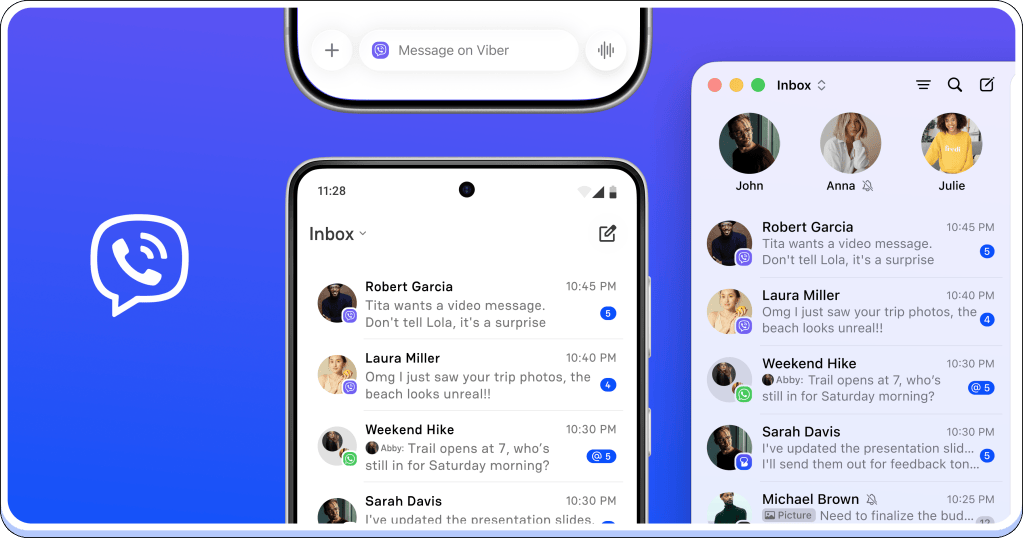
Viber messaging application interface showing conversation inbox on a mobile device and a desktop. Messages from contacts, including timestamps and status indicators, are displayed.

There’s always that one conversation that keeps you switching to another app. If yours is on Viber, you can now bring it into Beeper.

Connect your Viber account and keep those chats alongside your other conversations. One less app to bounce between.

Drafts on the go
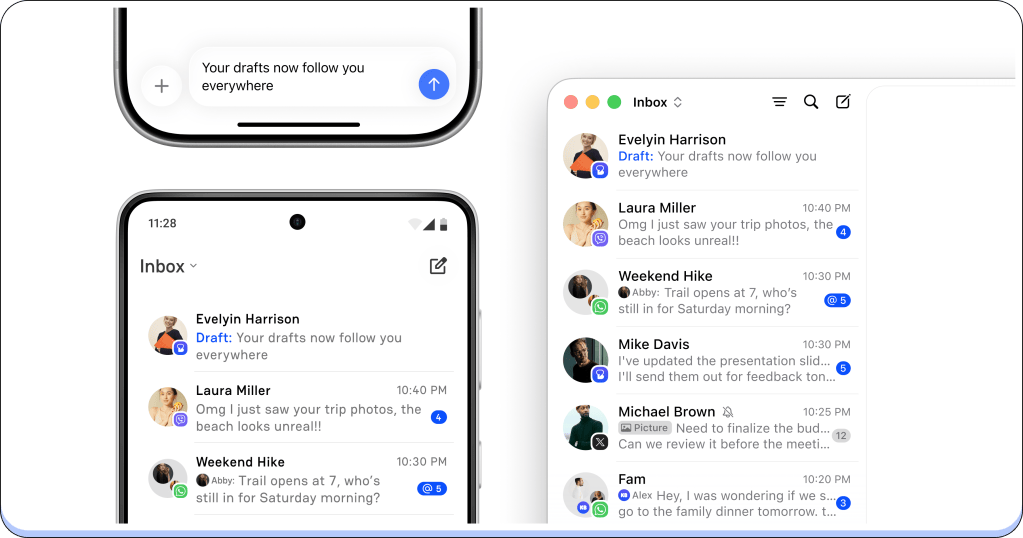
Mobile and desktop inbox interface displaying message threads from various contacts.

Some replies start on your phone and turn into something you’d rather write with a keyboard. Now you can make that switch without starting over.

Text drafts sync across your Beeper devices. Start writing in a chat, then open that conversation on another device and continue where you left off. It works the other way around, too, when you’re leaving your desk with a reply still unfinished.

This first version syncs text drafts. Attachments and their captions don’t sync yet.

Bookmark the message you’ll need later
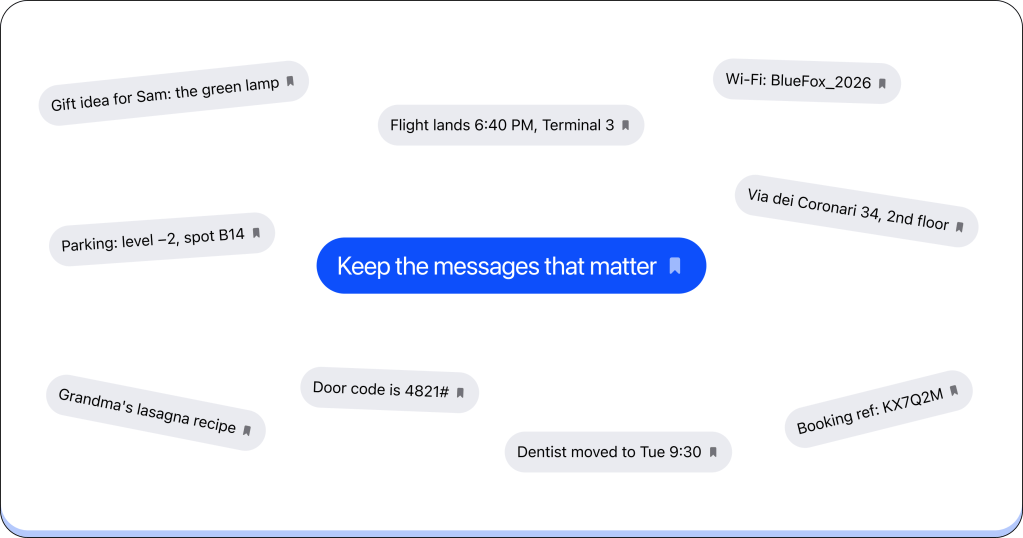
A visual representation of various reminders and notes, including a flight schedule, parking information, and personal reminders, centered around the phrase 'Keep the messages that matter.'

You can now bookmark messages in Beeper and come back to them when you need them. Your bookmarks are private to you and sync across your Beeper apps.

How? We’ve made it easy. On your phone, long-press a message and tap Bookmark. On desktop, right-click the message and choose Bookmark.

A different look for desktop
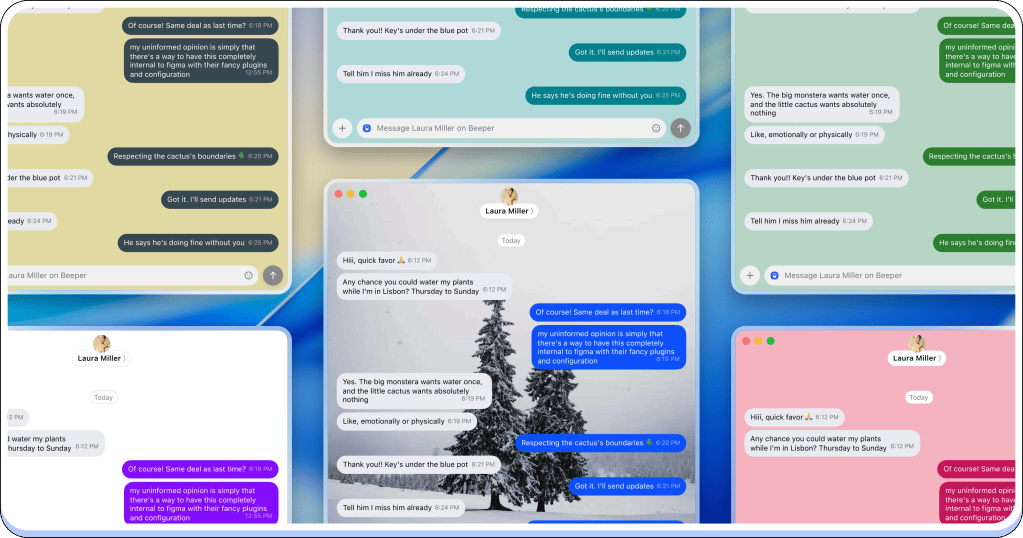
A collage of messaging app screenshots featuring a conversation about plant care and scheduling.

Presenting Chat Themes, now on desktop! We all love to customize our chats. You can now change the colors and backgrounds of your chats, choose a default look for Beeper, or give individual conversations their own style.

Maybe you want a quieter background while you work. Maybe the group planning your next trip deserves some color? You can make that choice, chat by chat, without changing the look of everything else.

Set your default in Settings → Appearance → Chat Appearance. To customize a single chat, click its header to open Chat Info, then select Edit in the top-right corner and choose Chat Theme.

Names that mean something to you
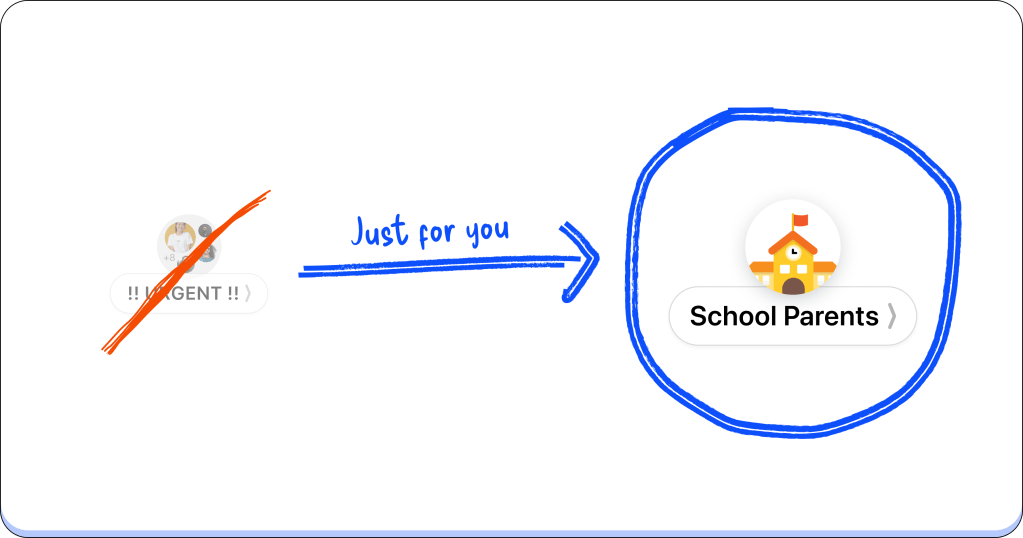
Illustration displaying a crossed-out urgent message pointing to a highlighted 'School Parents' icon, emphasizing a dedicated section for school-related communications.

Some group chats get a new name every week. Others are still named after a trip from two years ago. You can now give them a name that makes sense in your inbox.

Beeper Nicknames let you give any chat a custom name and photo. Use the name you actually call someone, or rename a group around what you use it for. Only you can see your changes, and they sync across your Beeper apps.

Open Chat Info, then:

  • On iOS, tap Edit → Customize for Me
  • On Android, tap the chat name → Set Custom Chat Name For Me. Use the photo icon to set a custom picture
  • On desktop, select Edit in the top-right corner and choose Edit for Me

Google Voice, now on Beeper Cloud

Icon featuring a phone and cloud symbol, representing cloud calling or telecommunication services.

Setting up a new device shouldn’t mean signing in to everything all over again. Google Voice now works with Beeper Cloud, so you can connect your account once and have your conversations available across your Beeper devices.

Whether it’s your work number or the one you give out when you’d rather keep your personal number private, your Google Voice chats can come with you. One connection, wherever you use Beeper.

Give these a try, and let us know what you think. Coming soon: a little more ‘we,’ a little more ‘group,’ and room in the cloud for a second you. Stay tuned.

G and the Beeper team


Discover more from Beeper Blog

Subscribe to get the latest posts to your email.


15 responses to “September Wrap-Up”

  1. Nabil Boutaleb Avatar
    Nabil Boutaleb

    How do I see my bookmarks after I’ve bookmarked things?

    Like

    1. G Avatar
      G

      There’s 2 ways:

      • You can go to Search > Bookmarks, in the search filters
      • You can also open the Chat Info (tapping on the room name/avatar) and look for the Bookmarks button

      Like

  2. Shannon Wray Avatar
    Shannon Wray

    Just some feedback surrounding archiving. The archived groups come back as active when I receive new messages, would be great if they stayed archived!

    Liked by 1 person

    1. G Avatar
      G

      You’re looking for Low Priority – archiving in Beeper is just a way to move your items out of your inbox until another message arrives. The archiving that works like apps like Telegram or WhatsApp is Low Priority in Beeper.

      Like

  3. fearless3ecc33ff2d Avatar
    fearless3ecc33ff2d

    I really like the app

    Like

  4. aristonbuildingservices Avatar

    i really want to pay for the app so I can merge all my chats but messenger integration is still buggy. My messenger chats don’t update until I open Beeper which means (and everything floods in at once); I don’t get real time notifications for them. I’ve had to leave my messenger notifications on as a workaround. Don’t have this issue with WhatsApp/Instagram (which is strange considering they are also meta). Any update on when this might be resolved? I’m on Android. Otherwise, LOVE BEEPER.

    Like

    1. G Avatar
      G

      Yes, proud to say that we finally have an update for you. An update will roll out next week that will address these problems, but note that you would need to update the app. This will not be an over-the-air update, like we do for our cloud connections, since the problem you’re experiencing is specific to the on-device ones. But happy to say that will be fixed!

      Like

      1. kc2424 Avatar
        kc2424

        amazing! Thanks

        Like

  5. chasedeluca Avatar
    chasedeluca

    Does moving Google Voice to cloud open up any new possibilities for that platform?

    I use my Google Voice as my primary phone number. The 20-conversation limit means I can’t rely on Beeper’s [excellent] cross-platform text search except for the very most recent of conversations. Also, I can’t start “new” Google Voice conversations with my Google contacts; I have to go to the web app to start a conversation, then continue it in Beeper (until there are 20 newer conversations, and it drops off).

    Also, I would love if I could get rid of all the “Voice Call” threads that clutter up my inbox every time I make or receive a call.

    I love Beeper so much, I’m seriously thinking of porting my Google Voice number to a carrier just so I can get all the native SMS features!

    Like

    1. G Avatar
      G

      Hey! No. New features. But – I’m curious, because what you’ve mentioned doesn’t really match how this is supposed to work. There is no “20 conversation limit” – I have hundreds of chats in my connection w/ GVoice right now. RE: the voice call threads – Yes. We’re on it and actively working on it.

      Like

  6. mikepitas Avatar
    mikepitas

    Greetings and thanks for an awesome app! I would like to know how can I rename a specific merged chat on Android app. I can find Set Custom Name on individual chats, but once I merge them, it won’t let me. I also don’t get what “apply info to merged contacts” does. Thanks again for any help!

    Like

    1. G Avatar
      G

      To edit a merge chat’s name and avatar, just open the Merged Chat’s Chat Info, select Manage -> Edit -> Next -> here. Then edit it and save. On apply info -> it means that wherever this person exists in Beeper, whether its other group chats, etc, they will use their merge chat and profile picture. Instead of their default name + avatar.

      Like

      1. mikepitas Avatar
        mikepitas

        Thanks! Appreciate it! Keep up the good job!

        Like

  7. Diego Ferreira Avatar
    Diego Ferreira

    I have the latest version on both my phone and computer, and I can’t save messages to my bookmarks (the save option simply doesn’t appear). Is there an option I need to enable?

    Like

    1. G Avatar
      G

      Send us a report through the App and our team will reach out to help.

      Like

Leave a comment