
Hey, everyone! 👋🏽 October went by fast, and the Beeper team has plenty to show for it. Let’s dive in!
WeChat is here
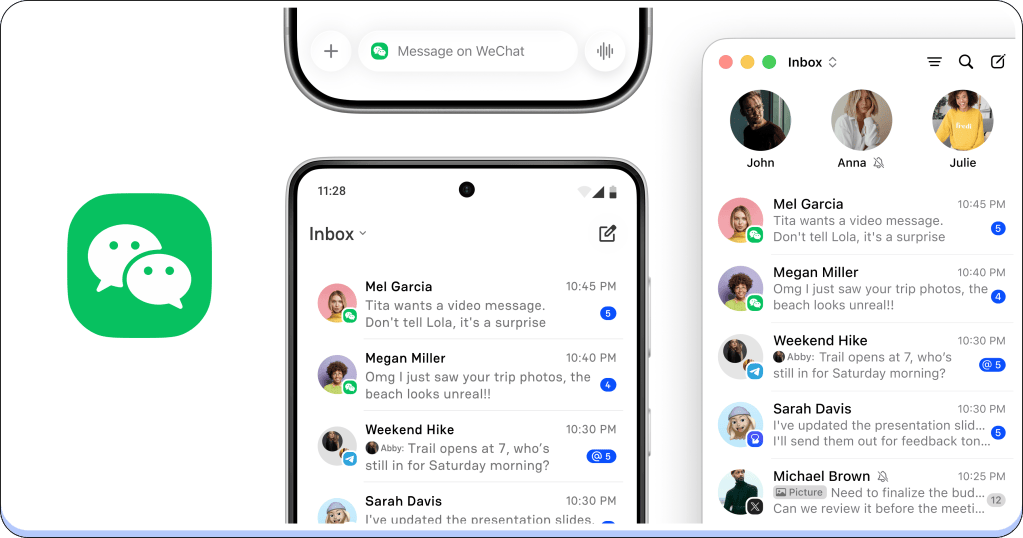
Last month we promised a little more ‘we.’ Here it is: you can now bring WeChat into Beeper.
Family overseas, friends from school, the group that only ever talks on WeChat. Those chats can now sit right next to your other conversations. Connect it on Beeper Cloud or On-Device, whichever works best for you.
To get started, add an account, choose WeChat, and scan the QR code with the WeChat app on your phone.
Room in the cloud for a second you
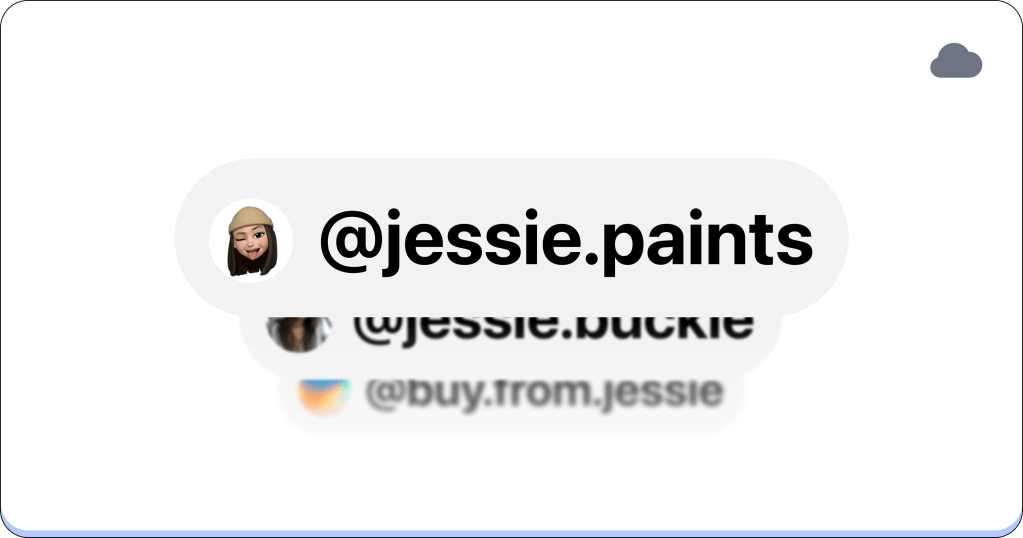
Many of us have more than one person online. A personal WhatsApp and a work one. Two Instagram accounts. Until now, a second account from the same network meant using an On-Device connection. Not anymore.
With Beeper Plus and Plus Plus, Beeper Cloud supports multiple accounts from the same network. Connect them once, and they’ll be on every Beeper device you use. Beeper Plus lets you add up to 3 accounts per network, and Plus Plus has no limit.
To add another account, just connect the same network again. Learn more about multiple accounts.
One message, many chats
The flight landed. The party moved. The meeting is now at 3. Some news needs to reach a lot of people, and you shouldn’t have to send it ten times.
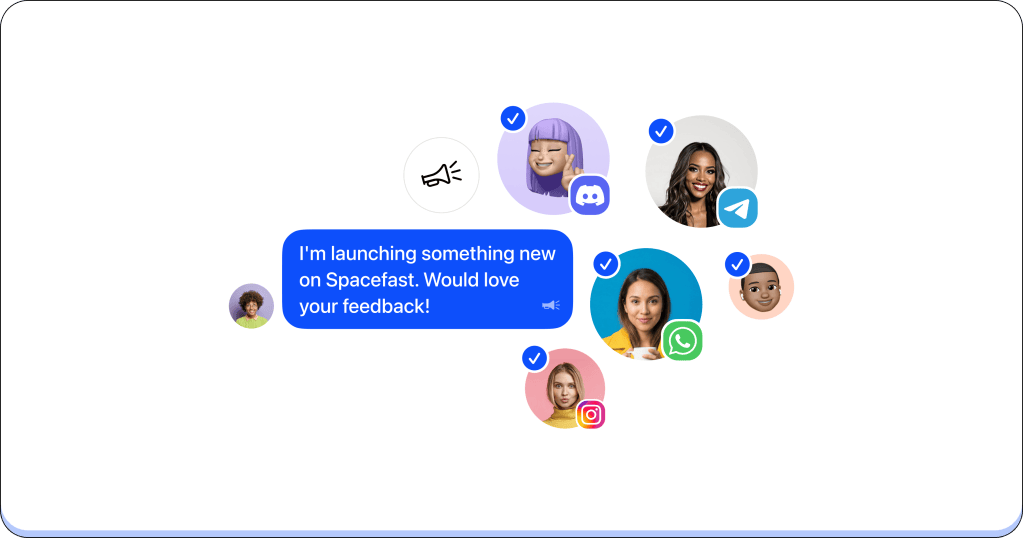
Blasts let you write a message once and send it to as many chats as you need, even across networks. Everyone gets it in their own conversation, as if you’d messaged them directly.
Start one from New Chat → New Blast, pick your chats, write your message, and send. Everyone gets three free Blasts to try. After that, Blasts are part of Beeper Plus.
Your AI chats, right next to your people
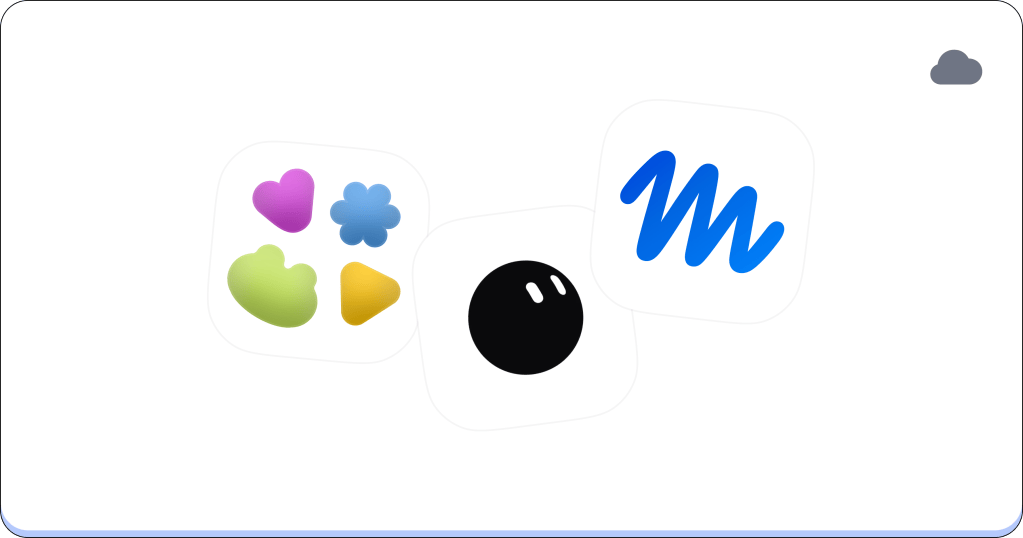
More and more of our conversations are with AI, and those chats deserve a spot next to the rest. ChatGPT Dots, Grok Bot, and Muse now connect to Beeper Cloud.
Bring in your ChatGPT Dot, see each of your Grok bots as its own chat, or pick up your Muse conversation, all without switching apps. I’ve been using them myself, and it’s nice having them where I already chat.
Add an account and choose ChatGPT Dots, Grok Bot, or Muse to connect.
Sign in your way
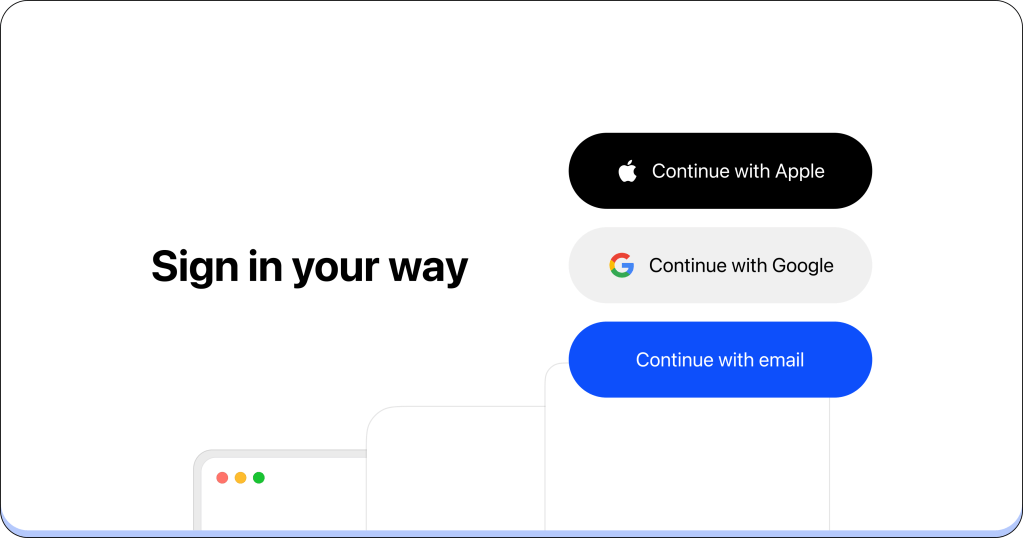
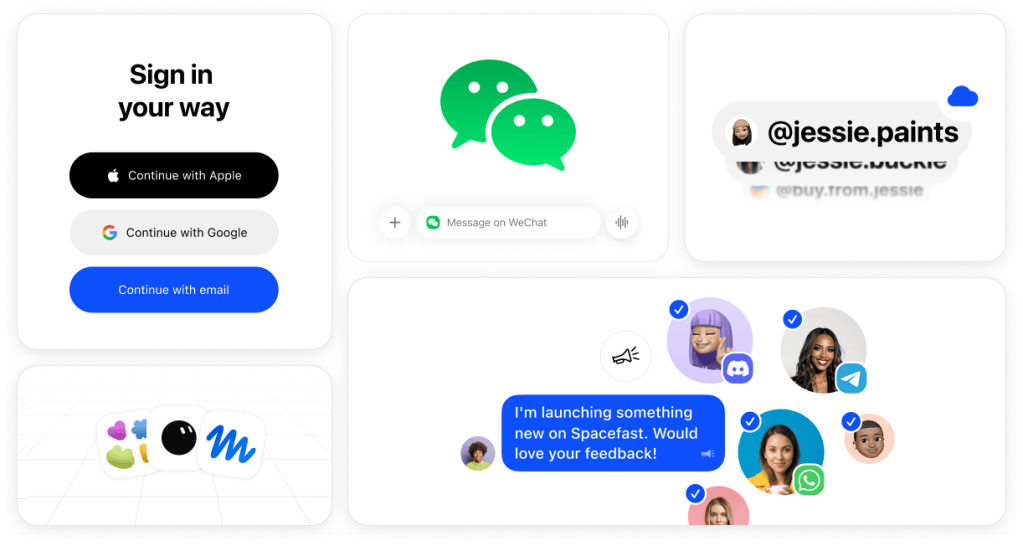
Getting into Beeper is now a tap away. Sign in with your Google or Apple account on iOS and desktop, or with Google on Android. Already have an account? You can link Google in your account settings under Sign-in methods.
Beeper, made for bigger screens
Beeper on iPad now feels like an iPad app. Open chats in their own windows from the chat menu, or drag a chat out of the Inbox. Use menu bar commands and keyboard shortcuts to create new chats, search, open Settings, and switch between chats, and right-click messages with a mouse or trackpad.
On iPhone Duo, Beeper uses the unfolded screen better, with a compact Inbox and more room for your messages.
A few more things we think you’ll like
- Less motion, more calm: On desktop, turn off autoplaying GIFs and animated avatars and emoji in Settings → Appearance → Conversation View
- New chats on more networks: On desktop, start new Discord DMs, start Google Voice group texts, and name a Google Messages group when you create it
- Pause your voice message: On Android, pause while recording and pick up where you left off
- On the road: Voice messages now play aloud in Android Auto, and CarPlay on iOS now has your Spaces, Archive, pinned chats, and chat filters
- Video from the chat camera: On iOS, record videos right from the chat camera, and your captured photos and videos are saved to Photos
- Send Later, now with photos and files: On iOS, schedule messages with attachments
- Fix that caption: Add, edit, or remove captions on attachments you’ve already sent on iOS, and edit the text of messages with attachments on desktop
- Galleries: Photos and videos sent back-to-back now show up together as a gallery on iOS and desktop
Give these a try, and let us know what you think. As for that little more ‘group’ we teased last month: it’s almost here, and it’s bringing a couple of friends. Stay tuned.
G and the Beeper team


Leave a Reply