
Merge Chats
Beeper solved bringing all your people from different apps in one app. Now, Beeper goes a step further and lets you merge chats with the same person across multiple apps into one chat. One person, multiple networks, one view. You can simply chat with your people instead of thinking about the underlying chat app.
New Labels and Spacebar
It’s easy to get overwhelmed in Beeper once you add all your accounts and channels from different parts of life. With Labels, you can finally create separate spaces for these chats, so they (optionally) don’t show up in your inbox.
Create a separate label for work, your closest friends, family, or people who shouldn’t have the ability to occupy your attention instantly.
We’re also launching a redesigned spacebar on Android and iOS, which you can fully customize to keep your most-used spaces close at hand.
Polls

Create and vote in polls right from Beeper on supported networks, making it easier to get the group to settle on the right pizza topping or finally pick a date.
Desktop: New Languages

Beeper Desktop has started speaking Spanish, French, Japanese and Portuguese. Change your preferred language in Settings → General.
Beeper Plus Freebies
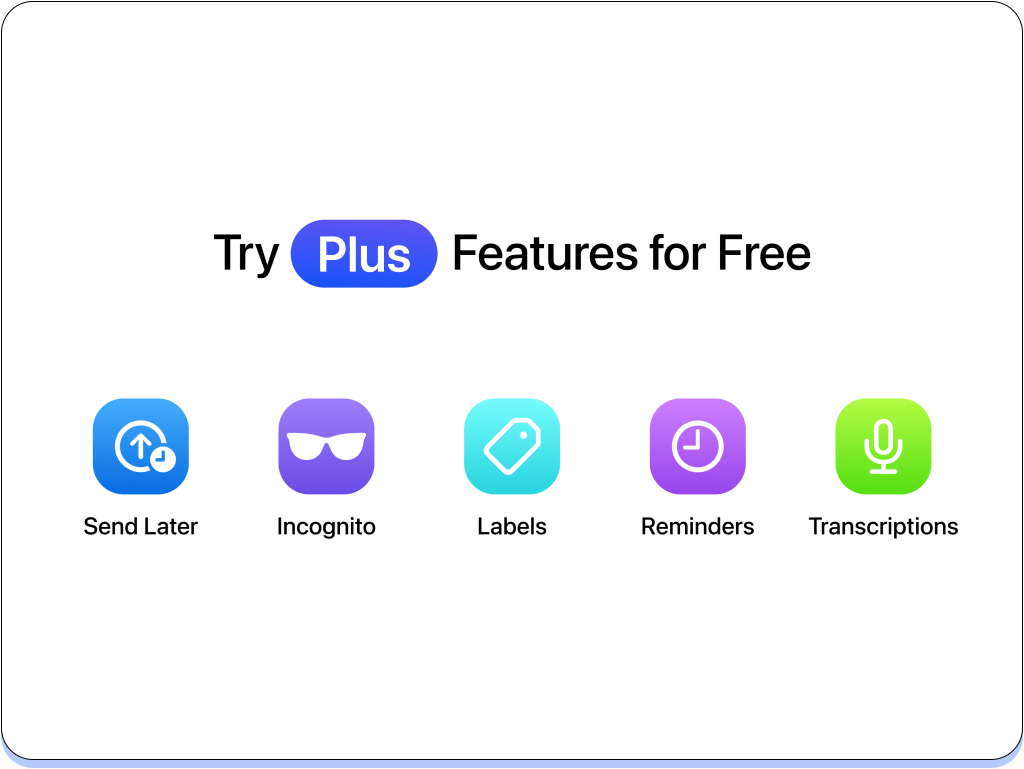
Beeper is giving everyone free uses for most Beeper Plus features:
- Read messages without being seen with Incognito Mode
- Send messages at exactly the right time with Send Later
- Transcribe voice notes to read instead of listen
- Set chat reminders so important conversations get followed up on
- Create a label to keep your inbox organized
Once your free uses run out, upgrade to Beeper Plus to keep going.
Android: Customization
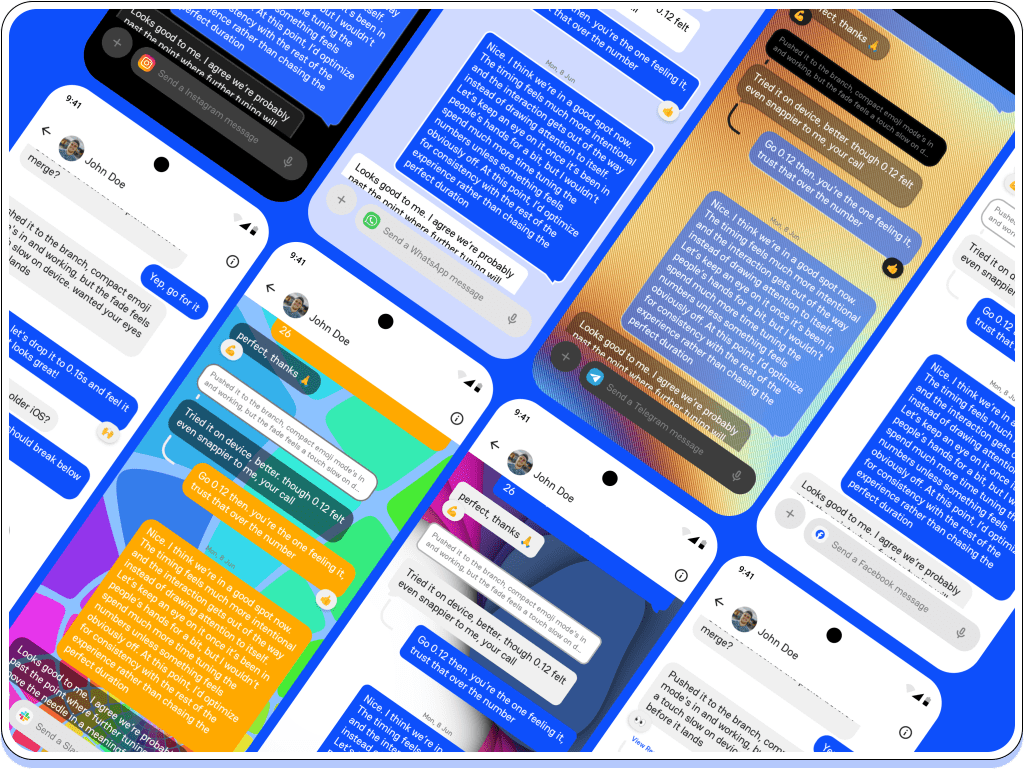
Beeper Android has kicked chat customization up a couple of notches. In Settings → Appearance, pick your colors, style your message bubbles, and choose from wallpapers or animated backgrounds. Set a look for all of Beeper, individual chats or even specific people.
iOS: CarPlay
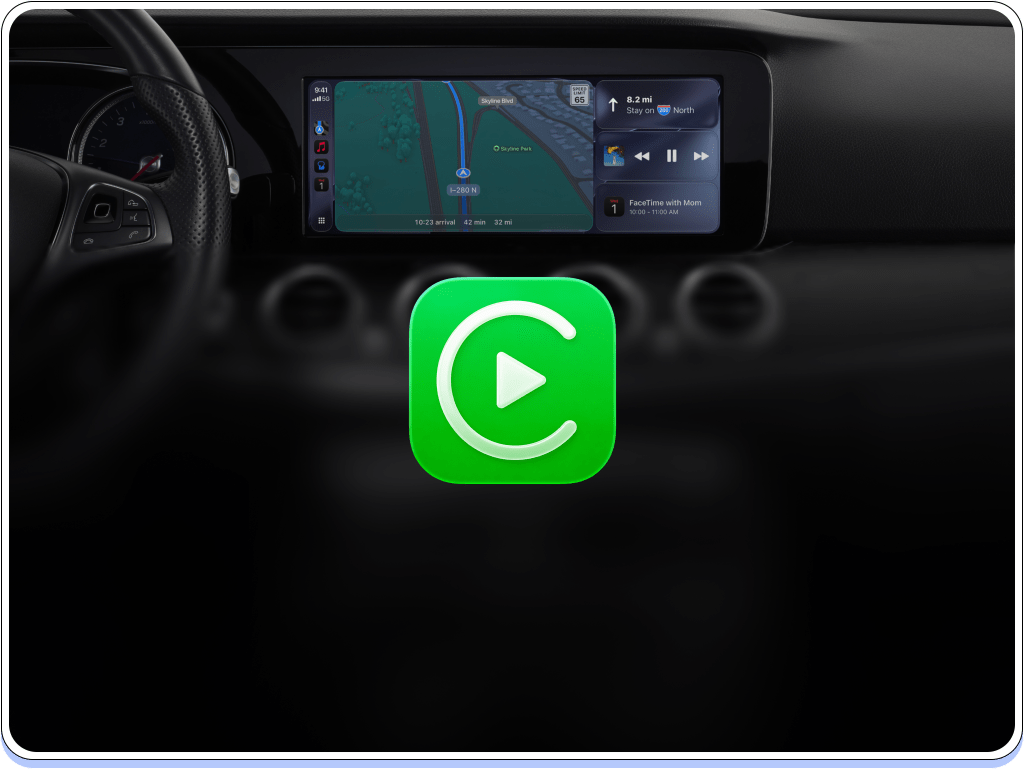
Connect Beeper to your car. Keep up with your conversations and reply to messages while you’re on the road, without (dangerously) reaching for your phone.
Kishan and the Beeper team


You must be logged in to post a comment.