
Got questions? Page us for answers!

Whether you’re just starting out, looking to get the most out of Beeper, need help solving a problem, or have ideas and feedback to share, Beeper Support is at your service!
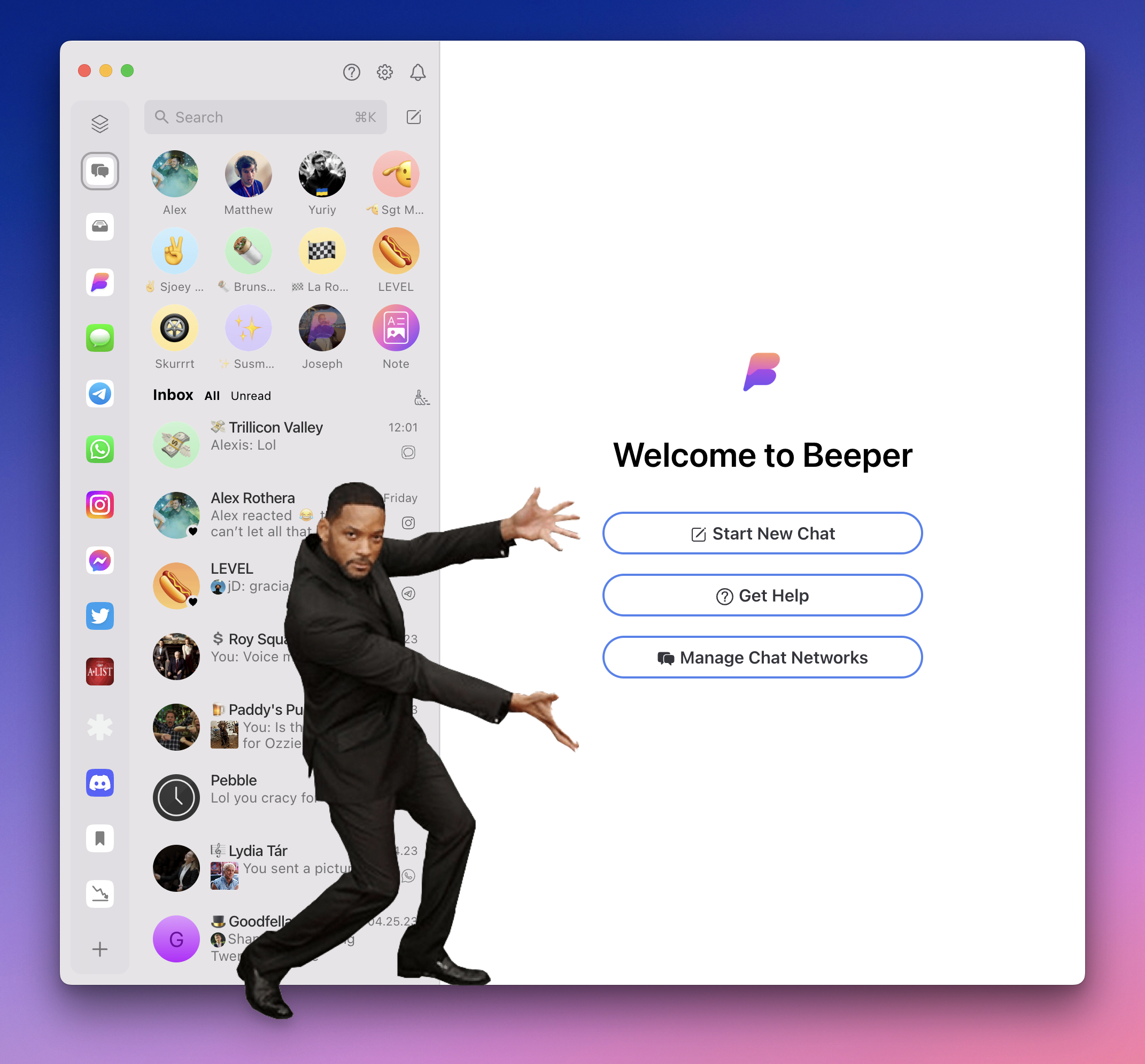
Help comes in four flavors:
🤖 Your (A.I.) Beeper Helper
Your Beeper Helper is an AI-powered assistant to answer questions and guide you to through our vast array of help resources. On Beeper 🖥️ Desktop, click ❓ at the top of your chat list to call your assistant:
On Beeper 🍎 iOS, the assistant lives inside Settings (⚙️) » Support » Help:
To find your assistant on Beeper 🤖 Android, tap ⚙️ » Help:
📚 Self-serve Knowledge
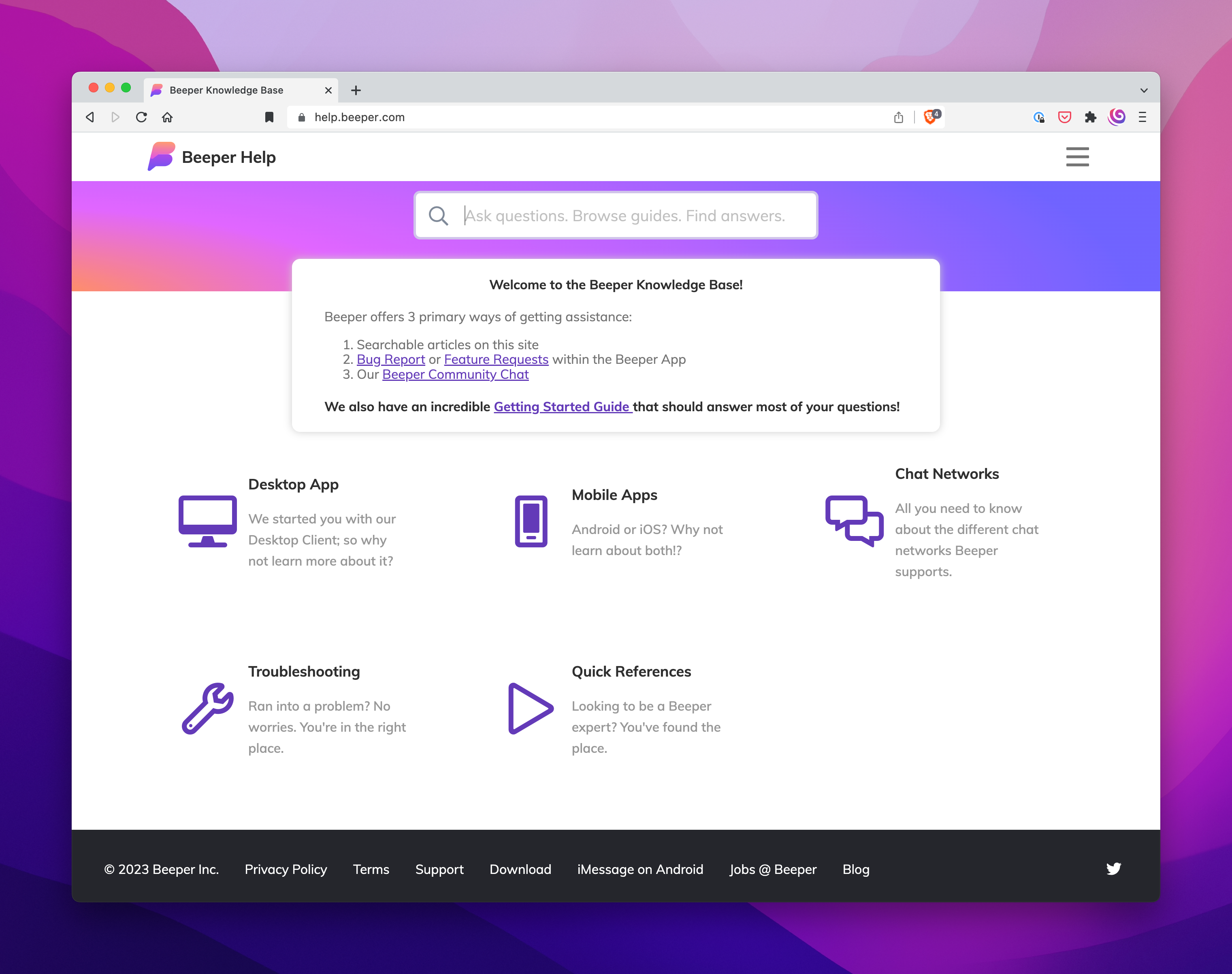
Your Beeper Helper pulls its knowledge from help.beeper.com—our main support hub—where you can:
🌐 Search articles in the Beeper Knowledge Base »
📣 Share Feedback or Report a Problem directly from Beeper apps »
💃🕺 Join the Beeper Community Chat »
👯 Community Chat
The Beeper Community chat is the place to be for all the Beeper discourse you want. Join fellow Beeper users by clicking ⚙️ » Join Matrix Room and search for Beeper Community.
🖥️ Beeper Desktop is currently required to join the group, but will sync to your 🤖 Android and 🍎 iOS apps once completed.
🛎️ Page a Concierge
Get direct assistance from Beeper’s support squad whenever you need it—just slide into our DMs!
🤳 A 1:1 chat with Beeper Help is created automatically when new users join Beeper. Simply send a DM whenever you need help from a Concierge. Search (Shortcut = ⌘+K) “Beeper Help” to get started.
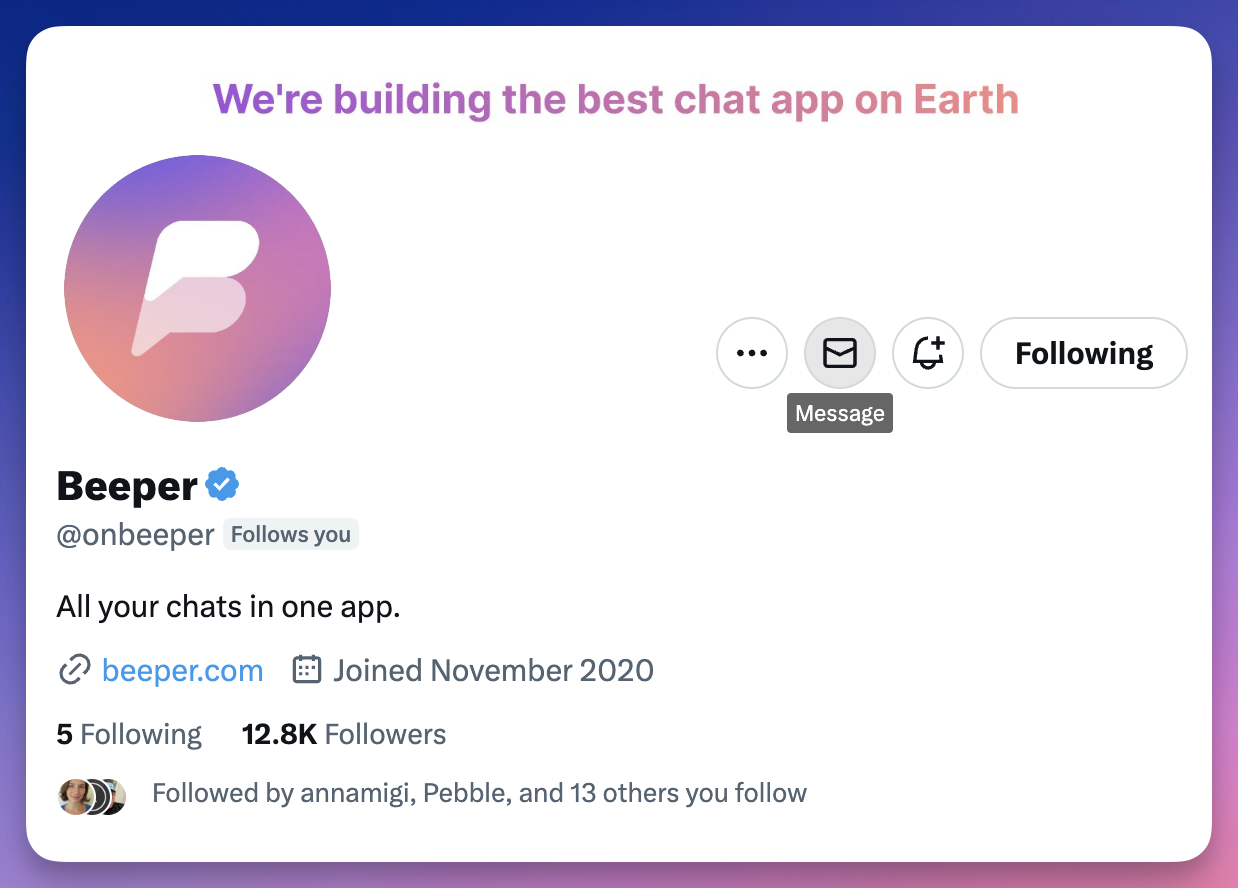
🐣 Sending a Twitter DM to @onbeeper routes directly to our Concierge team—a good open channel for folks who aren’t Beeper users yet.
✌️ Don’t Be a Stranger!
We’re weeks away from hitting “Waitlist Zero” and we’re hiring. Give us a buzz when you want help, have ideas and feedback, or a problem to report. Chat again soon!

Spread the love by sharing this post or subscribing to The Beeper Blog.

 Beeper Blog
Leave a reply to John Wallis Cancel reply